Edi-Texteditor Docs
Mail merge with images
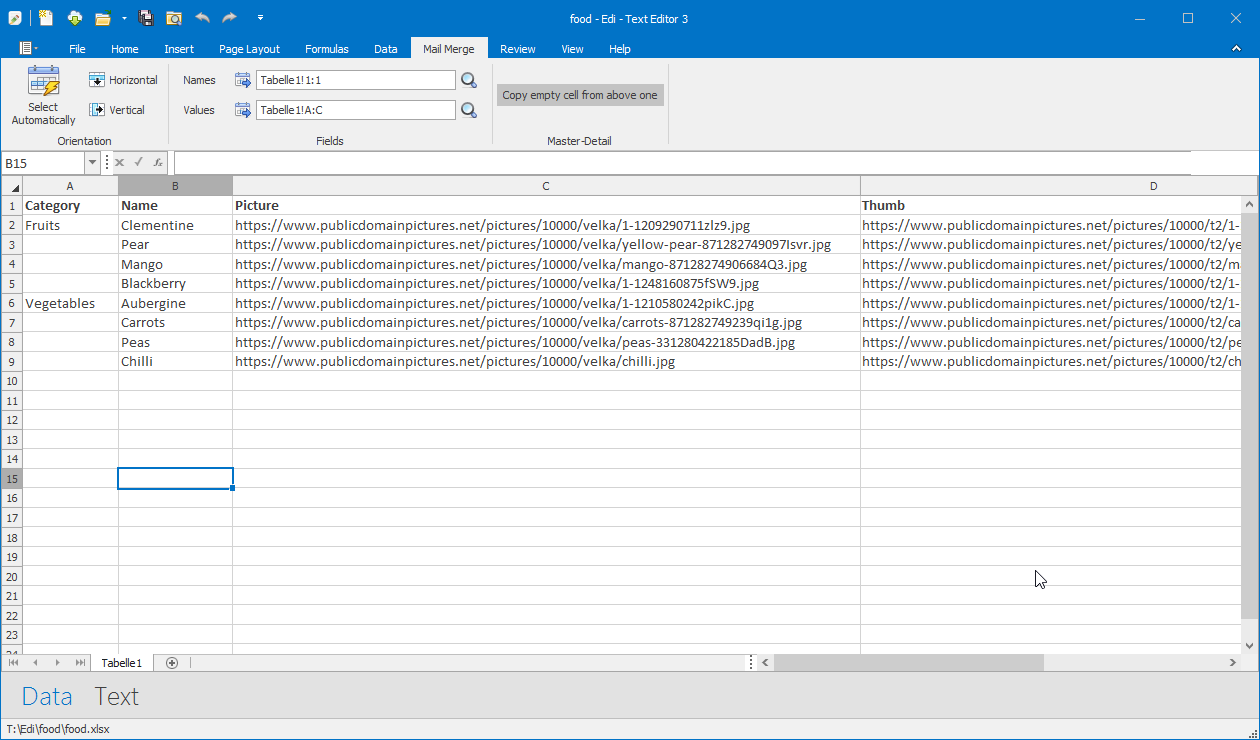
v.3.102In the Data View define source files as URL or filenames.
Switch to the Text View.
The fields will be automatically detected.
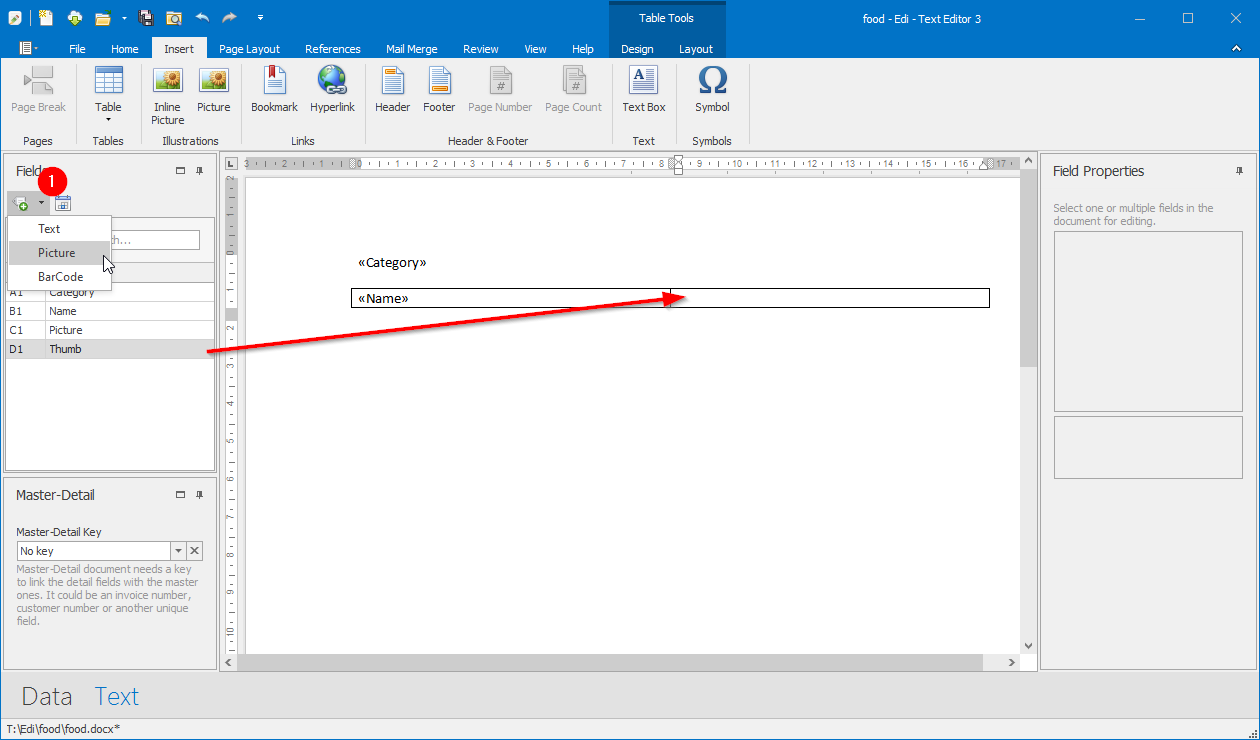
Select the field with the filename and pop-up the menu for the Insert Field button, above the field list.
Click the Picture menu item. The image field will be placed in the document.
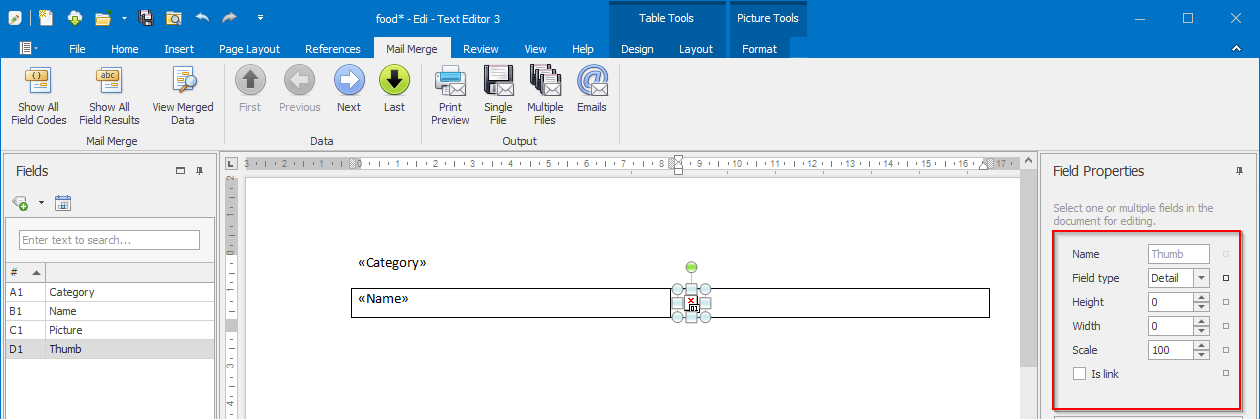
Select the image field. Its properties are shown in the panel on the right hand.
Set width and height or scale in percent for the image.
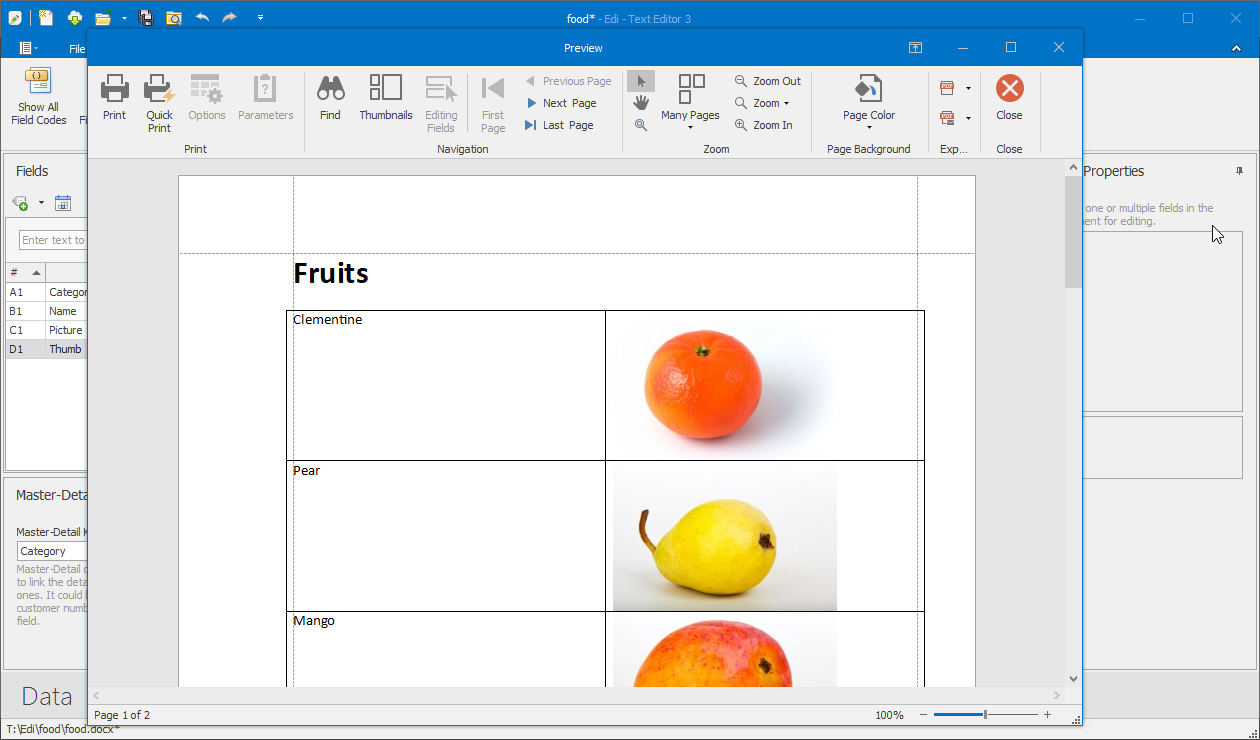
Click the Print Preview button to show the results.